All demosOwn project · Interactive demo
Web applications
LeadFlow
Every contact, in a clearer place.
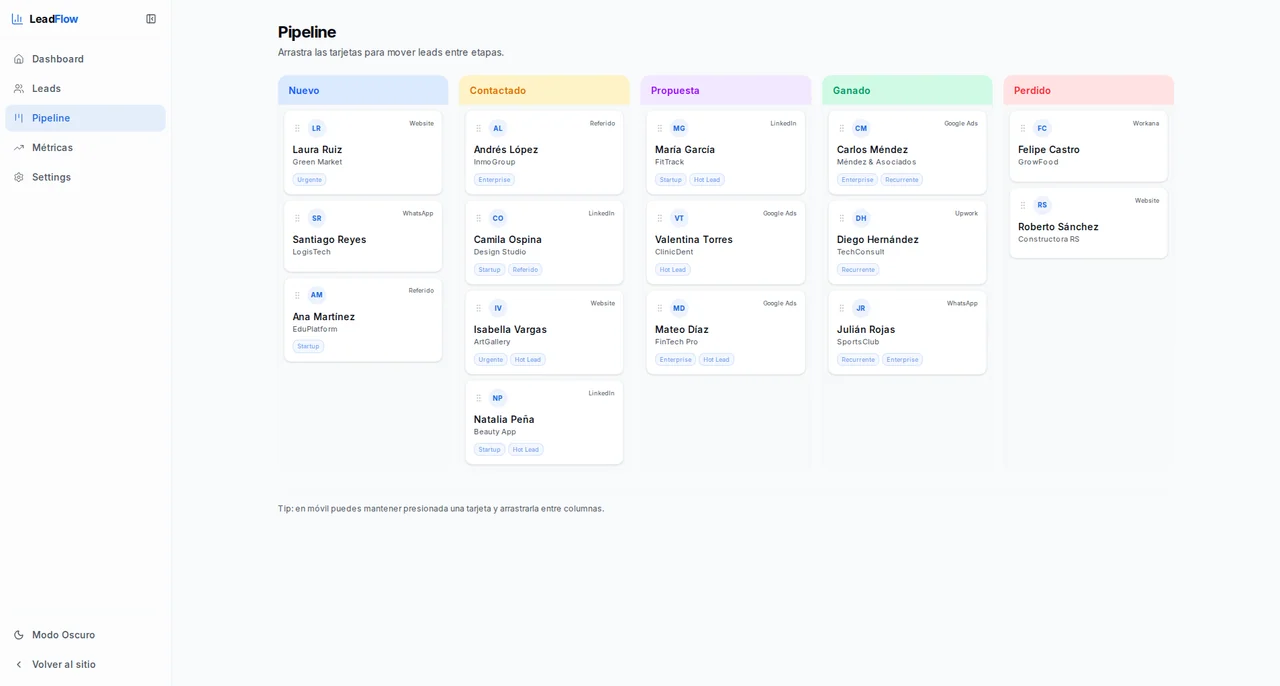
A demo connecting a guided form to a contact dashboard and visual pipeline.
Open the demoDiscover the journeyDesign & development · Santiago Cubides
The starting point
Explore how an inquiry could move from a landing page to a visible sales workflow.
The design decision
I prioritized a visible intake-to-follow-up journey so the connection between acquisition and operations is easy to explore.
See the demo scopeInside the journey
Lead capture and follow-up, connected.
Capture
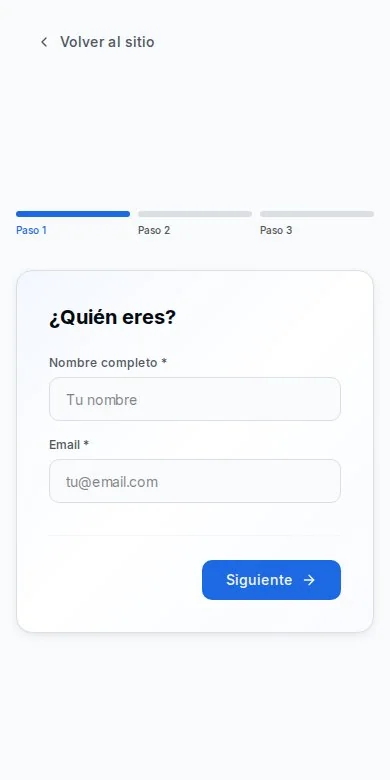
Move through a staged form to describe a need and its context. Completing it creates a new contact.
Organise
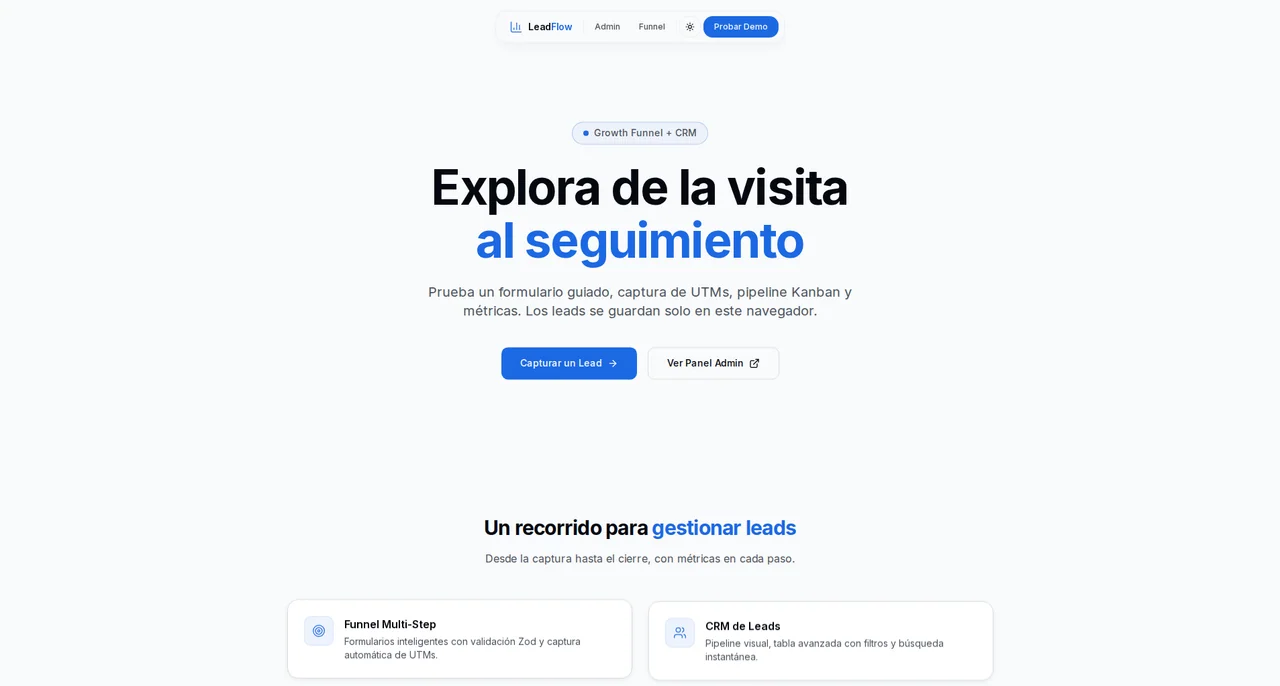
Find that contact in the dashboard and review the information submitted in the form.
Follow up
Move the contact through the pipeline and export the filtered list. Changes stay in this browser.
What this demo covers.
What you can try and what is out of scope, before you dive in.
You can explore
- Guided form that adds a lead to the dashboard
- Pipeline status changes saved in the browser
- CSV export of filtered leads and campaign context capture
The limits
- Records and status changes are stored only in this browser; nothing is sent to a server.
- Initial data is sample content and can be reset from the dashboard.
- There is no multiuser sync or email delivery.
Now, your idea
What if we built it for you?
We can start from what you saw here and define what your project needs.
Let's discuss your project